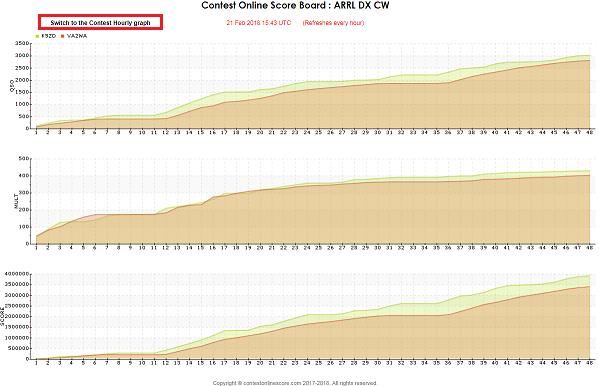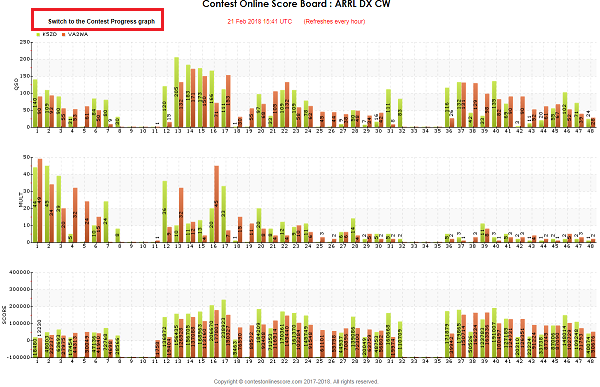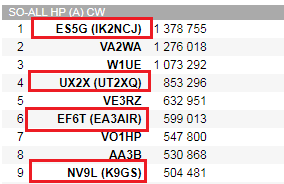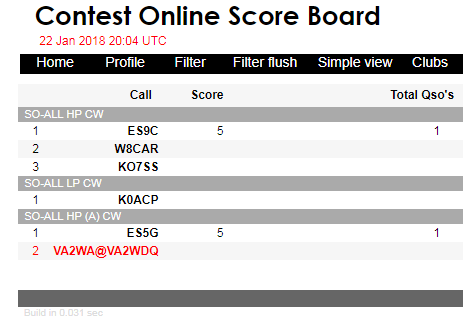
We’ve changed how the guest operator call looks like. Now it looks like at the 3830scores.com page:


Developers Team Blog.
We’ve got some suggestions to reflect if a guest operator renting a contest shack as a SINGLE-OP. So we have implemented this feature. Such a station call and a guest operator combination will replace just a contest call being used for a contest. We provide a combined call where an operator call fillows after a station call and split by the “@’ sign:

The call marked by red color means: Station contest call VA2WA operated by a guest operator VA2WDQ. That’s a style similar to what 3830 web site uses.
If you wish to use this feature please configure operator call for a contest. The most popular logging programs N1MM+ and WinTest (by using our utility) support this feature. We’ve found this data is missing in the DXLog. Probably some other logs are missing that feature as well. We have already contacted Chris, 9A5K the owner of DXLog. So it’s in process now.
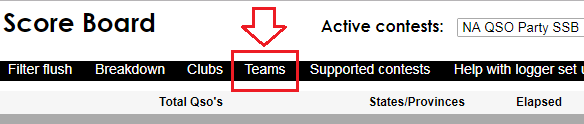
We have added a new Team competition page:

That would give the Team competition page. It’s similar to Club competition beside that fact it use teams but not clubs.
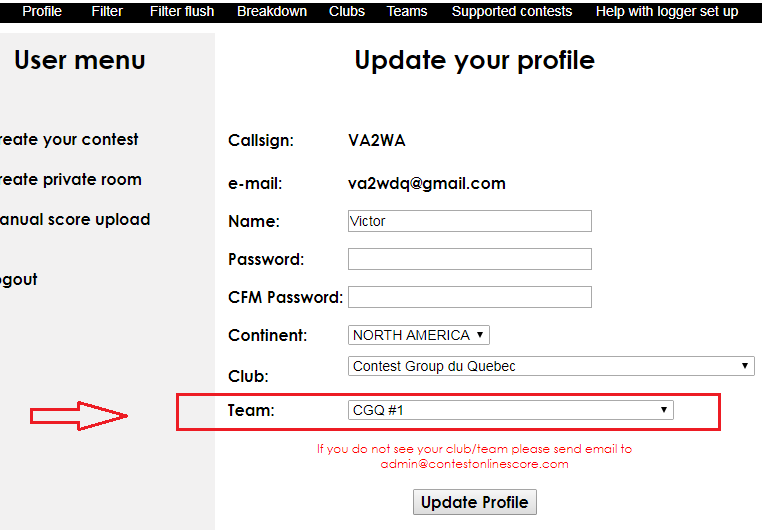
Set up a personal team on a personal profile page :
https://contestonlinescore.com/profile/

If you don’t see your team name just email its name to admin@contestonlinescore.com . It will be added to the list shortly.
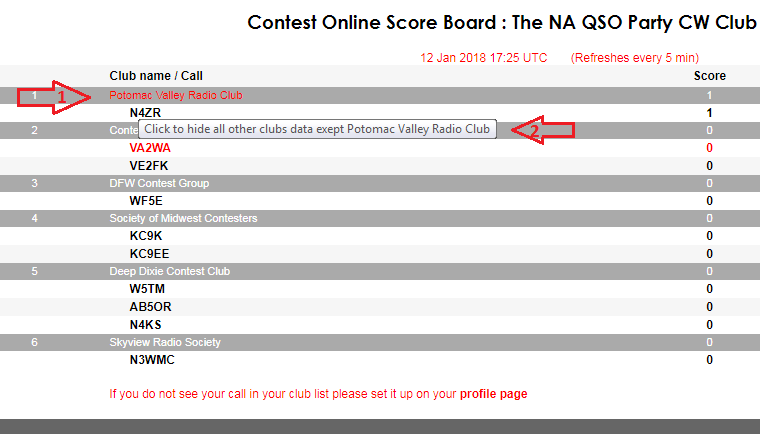
Tip 1: If you wish to monitor your club activity only activate a club filter by clinking on your club name title. Your club name title is a link to activate the filter.
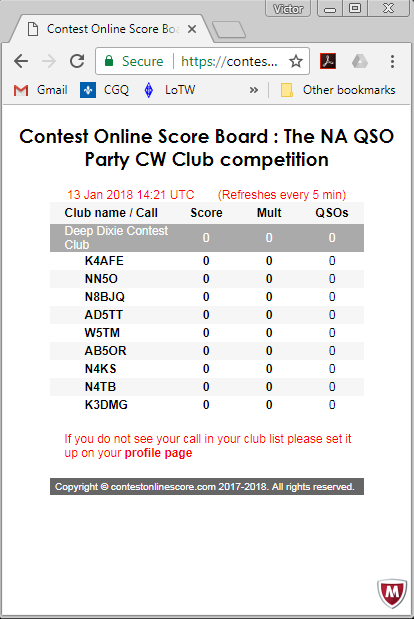
Tip 2: Split the Club competition window and minimize it. Usually a contester’s desktop has dozens opened windows. Every inch should be used effectively as much as possible)) Look how a small Club competition windows could be:

After some requests from our users we have created a new page “Club competition”. As other one click tools the link to the page are sitting on the top menu.

By clicking on the link a new page will opened in a new browser tab. On the page are all the active in the current contests clubs will be presented. It summarize all clubs’ members scores and rank clubs in accordance with the score.
We have also implemented a new Club filter. By clicking on a Club name you can get just one club on the page and hide others:

To flush a club filter and to return all other clubs on the page a simple click on a Club name will be needed!
We have added a new “Filter flush” link clearing up all the board filter settings to default. Some guys suggested us to implement some kind of “tick box” to clear all the filter settings without going to a special page.
It works fast and easy. By clicking on it you get the same contest board unfiltered just in few milliseconds.
We are glad to report score distribution server testing was successful during the CQ WW CW contest. Just some stats from the last weekend:
1. Distribution server (www.b41h.net)
2. cqcontest.net
3. Contest Online Score Board (contestonlinescore.co
We continue using the distribution server as the central piece of a real score cluster. It is running 24/7 serving all the possible contests. This is the best way to send your score and ensures your score will be published on all the available online score boards.
What should you do? It’s easy!
1. Register an account on both servers:
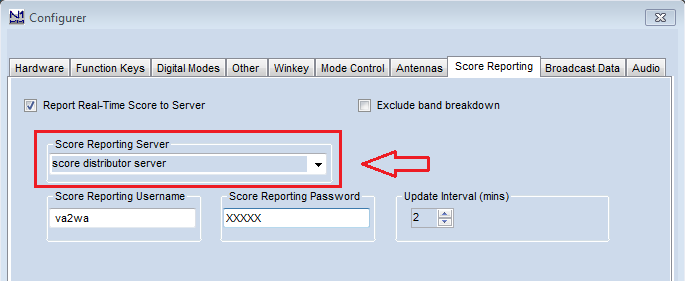
2. Configure your logger with the following real score server URL:
http://www.b41h.net/score
**** for Win-Test users we have prepared a special program:
What about our server performance metrics? Would it be enough in case of board users increasing after finalizing real score cluster? We’ve prepared few CPU usage report graphs:

As you see 100 user sessions loaded CPU by the only 5%. We constantly working on script and DB optimization. That’s why CQ WW CW contest 100 users sessions got CPU load 1.5 times less than ARRL SS CW with just 60 user sessions.
Anyway there is a lot of room for improvement! Take a look at the hourly CPU load graph. There are some CPU load spikes produced by a script running in a beginning of every hour calculating the “Highest rate” for a contest. It does a search over 100K log entries withing few seconds:

So are we ready for the cluster? The answer is “Yes”. The biggest number of online score board users I’ve ever seen was 600 during the last CQ WW CW on the cqcontest.net. If we do some calculations we could figure out the COSB CPU load would be around 30-35% with 600 online users. Anyway there is a lot of room for improvement! The current server is a modest VPS. So RAM and vCPUs could be easily upgraded. Moreover we designed our server side scripts such a way to be ready to split incoming traffic to a front servers cluster. More to come …